
Guide to Take-Profit and Stop-Loss Orders on WEEX

 Prefer us on Google
Effective trading on WEEX Exchange requires balancing risk and locking in profits. Take-Profit and Stop-Loss orders are powerful tools to achieve this, automating your exit strategy to maximize gains and limit losses. This guide explains how to use these tools efficiently, building on our prior articles about account setup, security, and trading techniques.
Understanding Take-Profit and Stop-Loss Orders
Before exploring how to apply Take-Profit and Stop-Loss orders on WEEX, let’s define them:
Take-Profit Order: A Take-Profit (TP) order automatically closes your position at a set profit level, securing gains without needing constant market monitoring.
Stop-Loss Order: A Stop-Loss (SL) order closes your position at a specified loss level, capping potential losses to manage risk.
These orders are vital in the fast-moving crypto market, where prices can shift quickly. They help automate your approach, safeguard your funds, and let you focus on other tasks.
Benefits of Take-Profit and Stop-Loss Orders on WEEX
WEEX offers robust features, including strong security measures (like Two-Factor Authentication from our security guide) and trading tools to enhance your experience. Using Take-Profit and Stop-Loss orders allows you to:
Streamline Your Strategy: Automate position closures at target profit or loss levels, reducing the need for 24/7 oversight.
Mitigate Risk: Stop-Loss orders shield you from major market drops, crucial when using leverage, as covered in our futures trading guide.
Lock in Gains: Take-Profit orders capture profits at desired price points, ensuring you don’t miss opportunities amid market swings.
How to Set Take-Profit and Stop-Loss Orders on WEEX
Here’s a step-by-step process to implement these orders on the WEEX platform.
Step 1: Sign Into Your WEEX Account
If you haven't signed up yet, follow our earlier guide to create your WEEX account. Be sure to finish all security procedures, including activating Two-Factor Authentication (2FA) to protect your account.
Step 2: Go to the Trading Area
After logging in, navigate to either Spot Trading or Futures Trading, based on your preference. For futures insights, see our futures trading guide.
Step 3: Initiate a Trade
Choose a Trading Pair: Select your desired pair, like BTC/USDT.
Enter Trade Details: Decide to buy (long) or sell (short) based on your market outlook.
Step 4: Configure Take-Profit and Stop-Loss Orders
After placing your trade, add these orders:
Locate Order Settings: Find the Take-Profit and Stop-Loss options in the Order Settings section.
Set Take-Profit:
Input the price to lock in profits. For example, if trading BTC/USDT, set $35,000 to take profits at that level.
Set Stop-Loss:
Specify the price to limit losses. For instance, set $30,000 to close the position if Bitcoin drops to that price.
Pro Tip: Choose realistic targets based on analysis, avoiding prices too close to your entry to prevent premature triggers.
Step 5: Track and Tweak Orders
WEEX executes your orders automatically when prices hit your set levels, but stay proactive:
Adjust Orders: Update Take-Profit or Stop-Loss if market conditions shift.
Check Position Details: Monitor real-time updates on price, profit/loss, and order status in the Position Information section.
-- Price
Applying Take-Profit and Stop-Loss in Different Markets
While the approach is similar, key differences exist between markets:
Spot Trading: These orders manage profits and losses for actual crypto purchases or sales, closing positions at your chosen levels.
Futures Trading: With leverage (from our futures guide), you control larger positions, amplifying gains and risks. Stop-Loss orders are critical to avoid heavy losses if the market turns against your leveraged position.
Risk Management Tips for Take-Profit and Stop-Loss
Choose Practical Targets: Set levels based on market trends and WEEX’s technical analysis tools, avoiding overly ambitious goals.
Use Trailing Stops: Trailing stops adjust with rising prices, locking in profits as the market climbs.
Balance Risk-Reward: Aim for a 1:2 risk-reward ratio, risking $1 for a potential $2 gain.
Review Regularly: In volatile or leveraged markets, frequently check and adjust orders to align with profit and loss updates.
Conclusion: Excel with Take-Profit and Stop-Loss on WEEX
Take-Profit and Stop-Loss orders are essential for traders aiming to protect funds and capture profits. On WEEX, these tools help you automate strategies, maintain discipline, and manage risks effectively. Whether new or experienced, using them boosts your confidence in navigating crypto markets.
Begin leveraging Take-Profit and Stop-Loss orders on WEEX today to take charge of your trading journey!
This content is provided for general informational purposes only and doesn't constitute financial, investment, legal, or tax advice. Any events, rewards, online promotions, or related information mentioned herein should not be considered a recommendation, solicitation, or invitation to purchase, sell, trade, or otherwise deal in any crypto assets. Crypto assets are highly volatile and may result in loss. The availability of WEEX services, products, and related events may vary by region. You are responsible for ensuring that your participation is in accordance with applicable local laws and regulations.
You may also like

How to Convert ETH to USDT on WEEX: Step-by-Step Guide
How to Convert USDT to BTC on WEEX: Step-by-Step Guide
How to Convert BTC to USDT: A Step-by-Step WEEX Guide
BTC Funding Rate and Open Interest: What Each One Measures and How to Read Them Together
How Transparent Is a Crypto Exchange? Checking Proof of Reserves and Protection Funds
How to Use the WEEX Trust Center: Check Reserves, Protection Fund and Official Contacts
Crypto Leverage Trading Explained: How Perpetual Futures, Margin and Liquidation Work
Bitcoin Margin Trading: BTC Liquidation Math at 3x, 10x and 25x
Crypto Leverage Trading Platform: 6 Checks Before You Deposit
What Is Margin Trading? A $1,000 Example at 3x and 10x Leverage
How to Day Trade Crypto for Beginners: The Math Behind One Trade

Trading Psychology for Beginners: Crypto Traps and Hard Rules
What Is a Bitcoin ETF? How Creation, Custody and Fees Work

What Is Blockchain and How Does It Work? One Transaction, Traced
WEEX Convert Fees: What Zero-Fee Conversion Really Costs You

WEEX Convert Quote: How the 8-Second Price Lock Really Works
WEEX Convert Limits: Minimum and Maximum Amounts Explained
How to Check a WEEX Convert Order: History, Rate and Status

USDC Significant EMT Status in the EU: What Changes on November 12 Under MiCA
Walrus (WAL) Jumps 30%: Sui Storage Token Rallies on AI Data
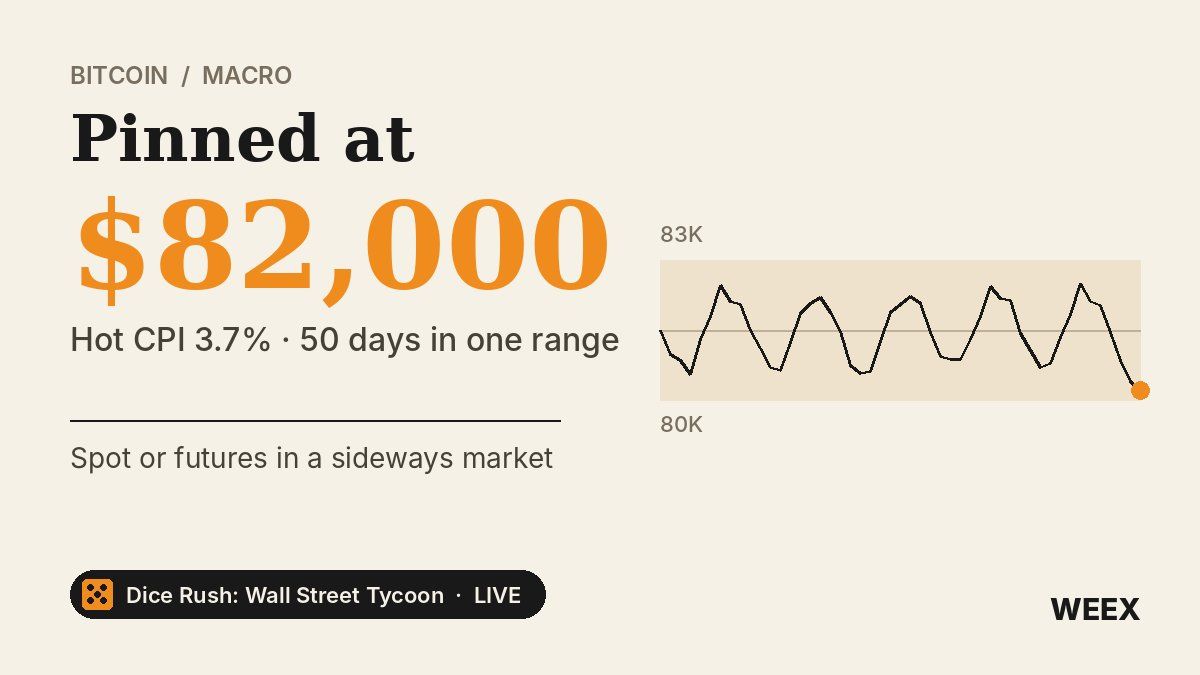
Bitcoin Price After Hot CPI: Why BTC Is Pinned Near $82,000
What Is a Limit Order? How It Works and When to Use It

Best Crypto Miner for Beginners: What to Check on Cost, Power, Hashprice and Profit Before You Buy
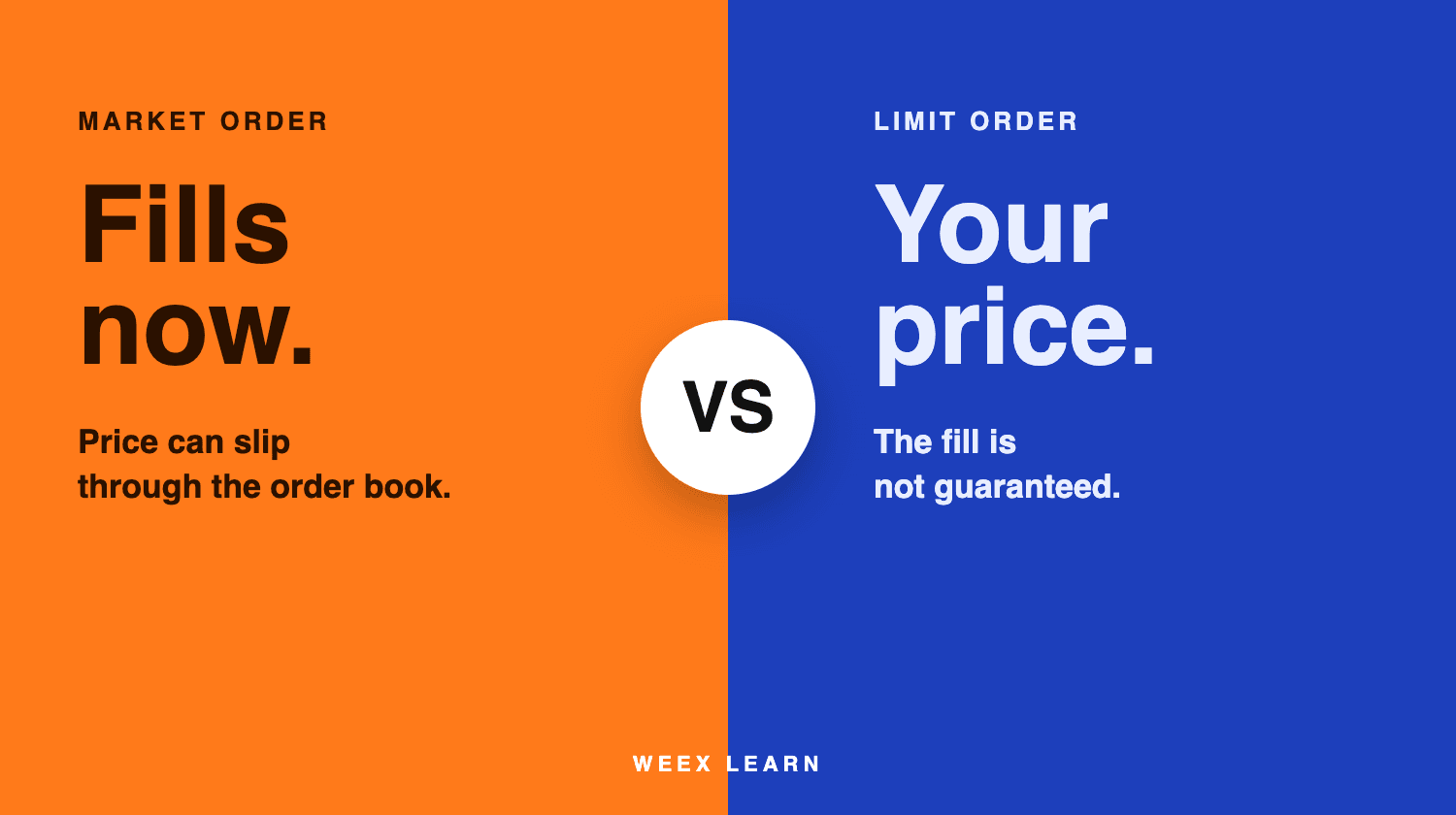
Limit Order vs Market Order: Which One to Use When Trading Crypto
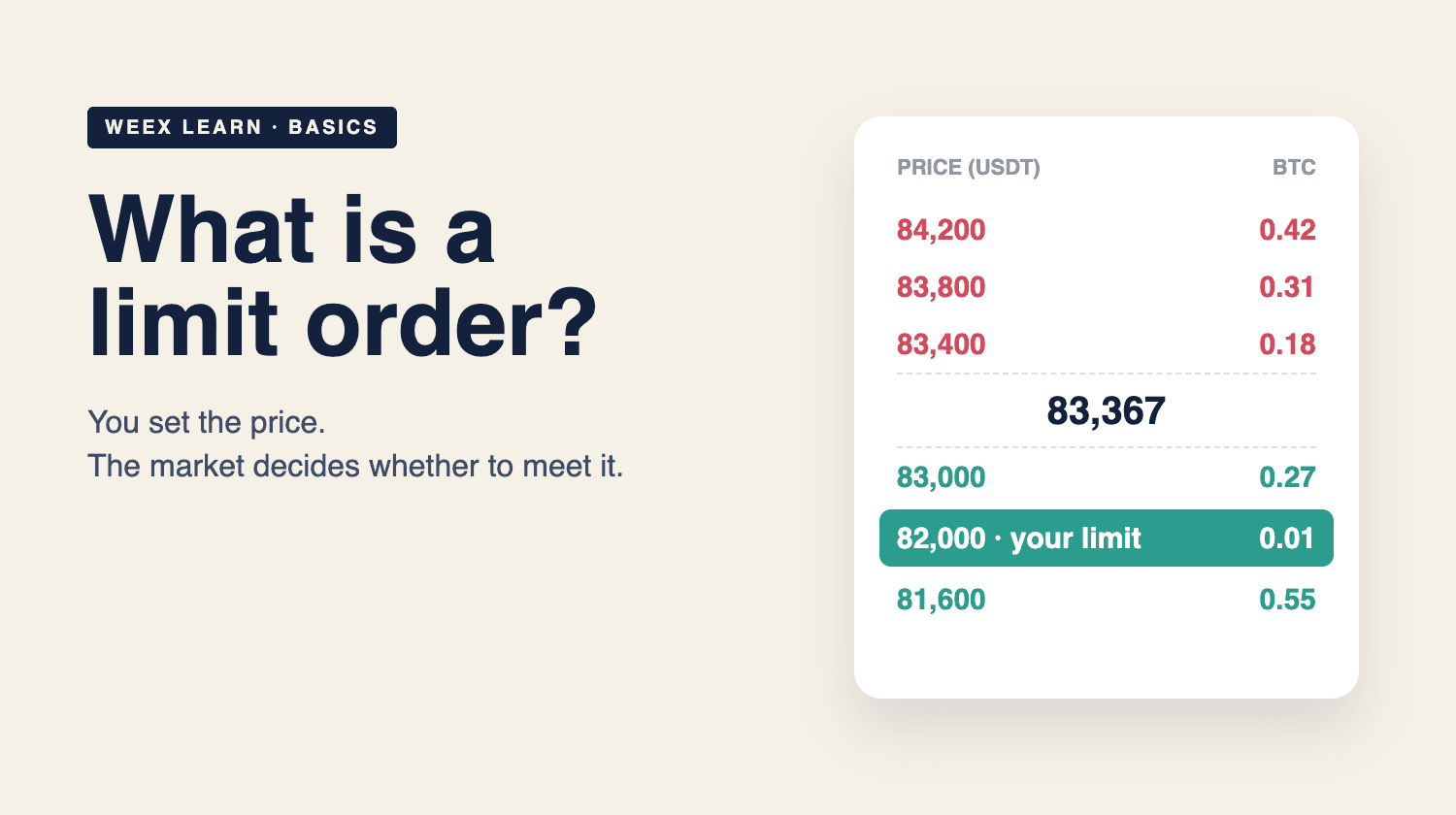
What Is a Limit Order? How It Works in Crypto With BTC Examples
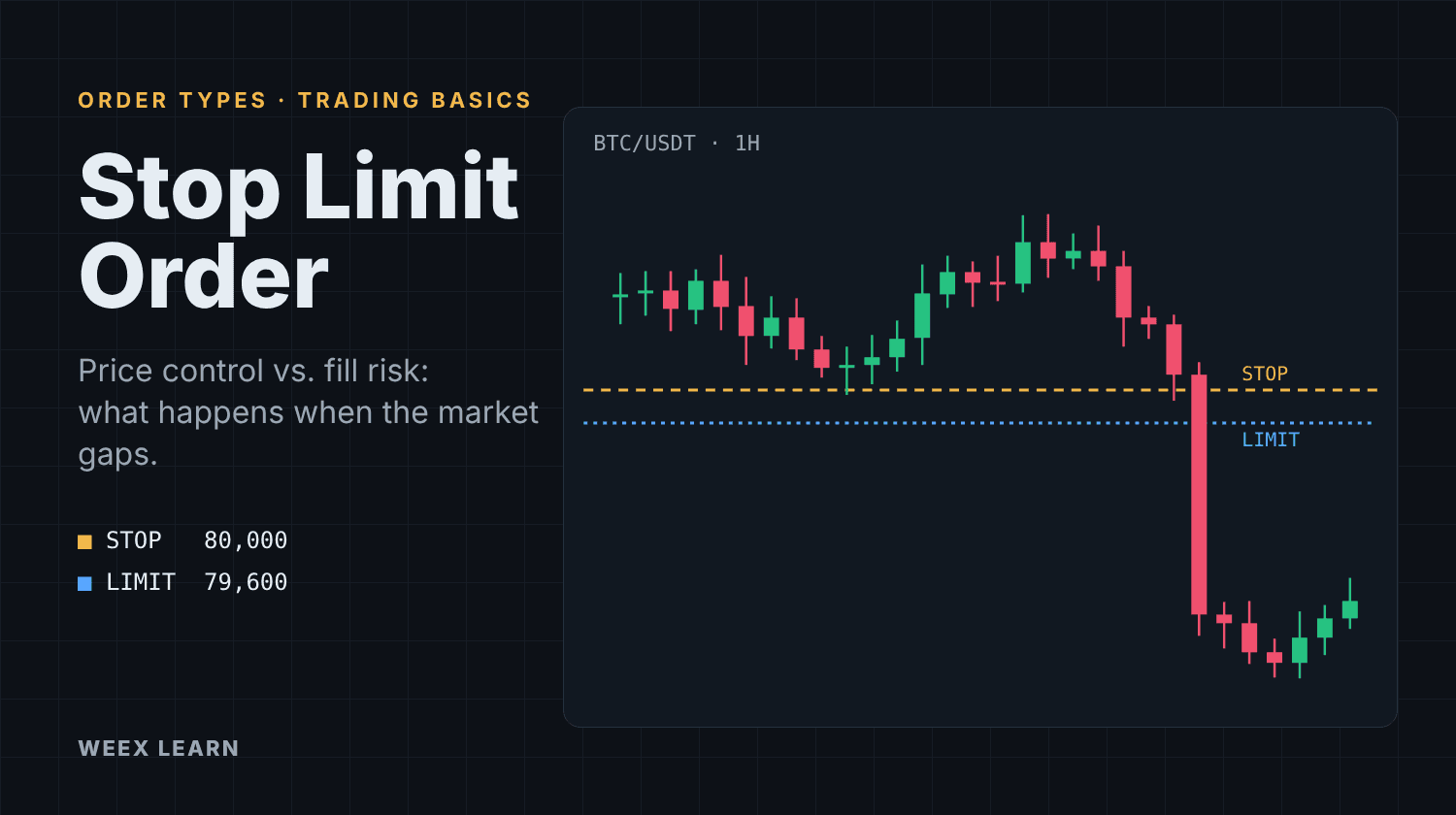
Stop Limit Order: How It Works and Why It Can Fail to Fill
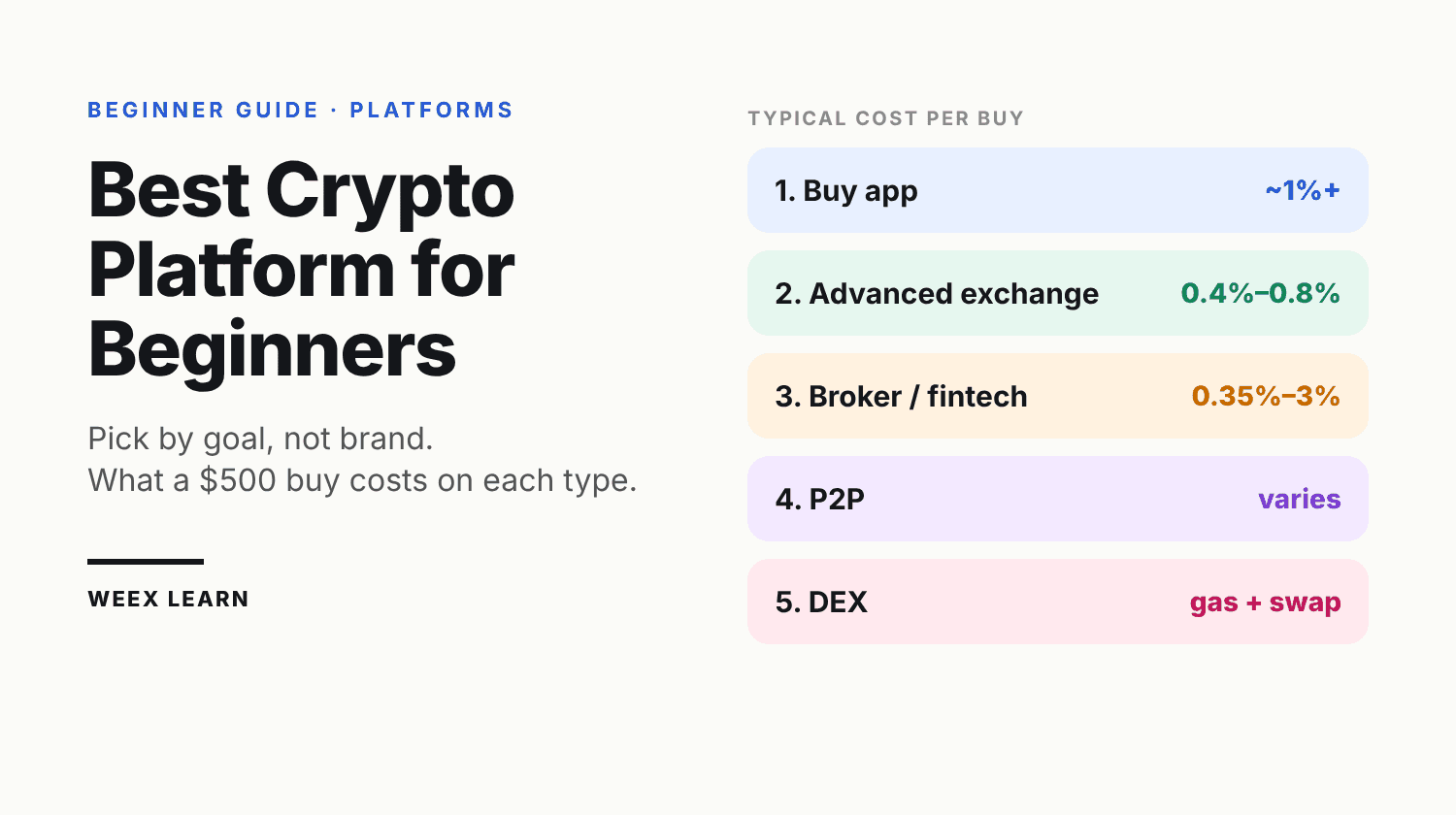
Best Crypto Platform for Beginners: Pick by Goal, Not Brand

Best Crypto Podcasts for Beginners: A 4-Week Listening Plan
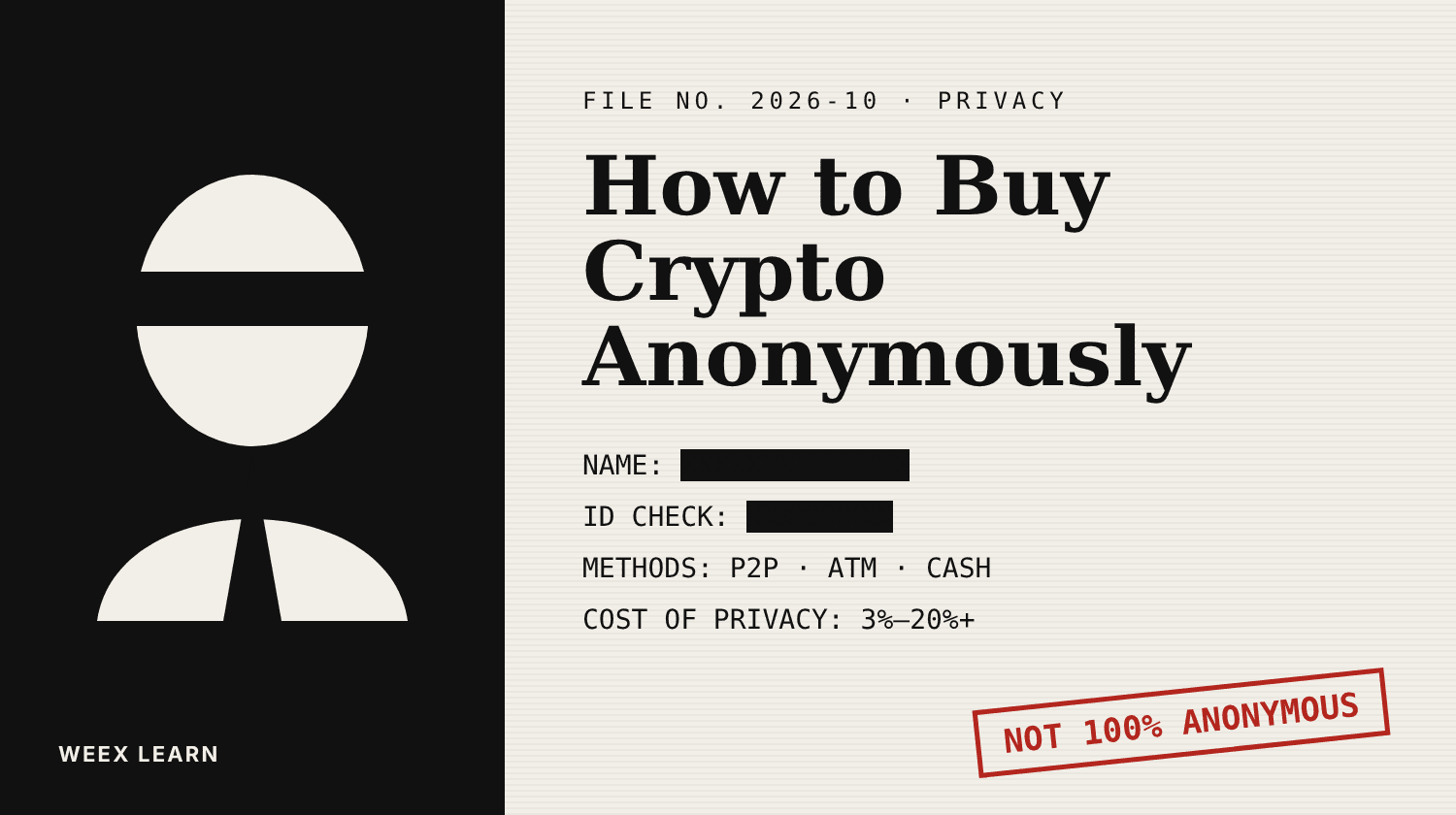
How to Buy Crypto Anonymously: 5 Methods, Real Costs and Limits

Will Bitcoin Break $87,000 This Week? CPI, Fed Speakers and ETF Outflows to Watch
How to Convert ETH to USDT on WEEX: Step-by-Step Guide
How to Convert USDT to BTC on WEEX: Step-by-Step Guide
How to Convert BTC to USDT: A Step-by-Step WEEX Guide
BTC Funding Rate and Open Interest: What Each One Measures and How to Read Them Together
How Transparent Is a Crypto Exchange? Checking Proof of Reserves and Protection Funds
How to Use the WEEX Trust Center: Check Reserves, Protection Fund and Official Contacts


