
WEEX: Position Take Profit and Stop Loss Feature

 Prefer us on Google

In futures trading, the real challenge is usually how to exit, not when to enter. Delayed stop-losses, giving back unrealized gains, and uncontrolled risk after scaling in—these are the main drivers of drawdowns.
The Position Take-Profit / Stop-Loss feature now lives and running stably on WEEX lets you predefine both profit capture and maximum loss for an entire position in one go. Once triggered, it executes a full position market close automatically—reducing emotional interference, improving execution certainty during sharp volatility, and turning risk–reward into measurable, reviewable data.
This article will clearly and quickly cover: what it is, when to use it, its core benefits, how to set it properly, plus common FAQs.
What Is Position Take-Profit / Stop-Loss?
Position Take-Profit / Stop-Loss sets exit conditions for the entire current futures position. After you define a take-profit price and/or a stop-loss price for a position, once market price hits a trigger, the system attempts to close all remaining size at market.
When It’s Useful
Typical scenarios include:
- Unified exit after scaling into multiple fills
- Unable to monitor the market continuously
- Defining worst-case loss before key events or data
- Strategies requiring fixed risk–reward ratios
- Emotional swings driven by floating PnL
- Accounts enforcing per-trade risk caps
If you need laddered partial take-profit, ultra-short-term scalping, or order book microstructure tactics, you will need to combine this with other tools.
Benefits of the Position Take Profit and Stop Loss feature:
- Automated trading and simplified management: Users do not need to manually close positions; the system automatically handles trades based on preset conditions, helping users quickly lock in profits or limit losses while reducing the need to constantly monitor market dynamics.
- Reduced emotional interference and faster response: With automated settings, users can minimize the impact of emotions on decision-making, respond quickly to market changes, and effectively control risks to protect their capital.
-- Price
How to Set Up the Position Take Profit and Stop Loss?
APP:
- After opening a futures trading order, users can find the "TP/SL" button in the Positions interface.
- Click the "TP/SL" button to enter the setup interface for the entire position take profit and stop loss. Users can fill in the take profit target price or stop loss target price based on their trading strategy, and click "Confirm" once completed.
- After setting up the take profit/stop loss for the entire position, users can find the corresponding take profit/stop loss orders in the Trigger section of the Orders interface. When the asset price reaches the specified order price, the system will automatically execute a market order to close the entire position.
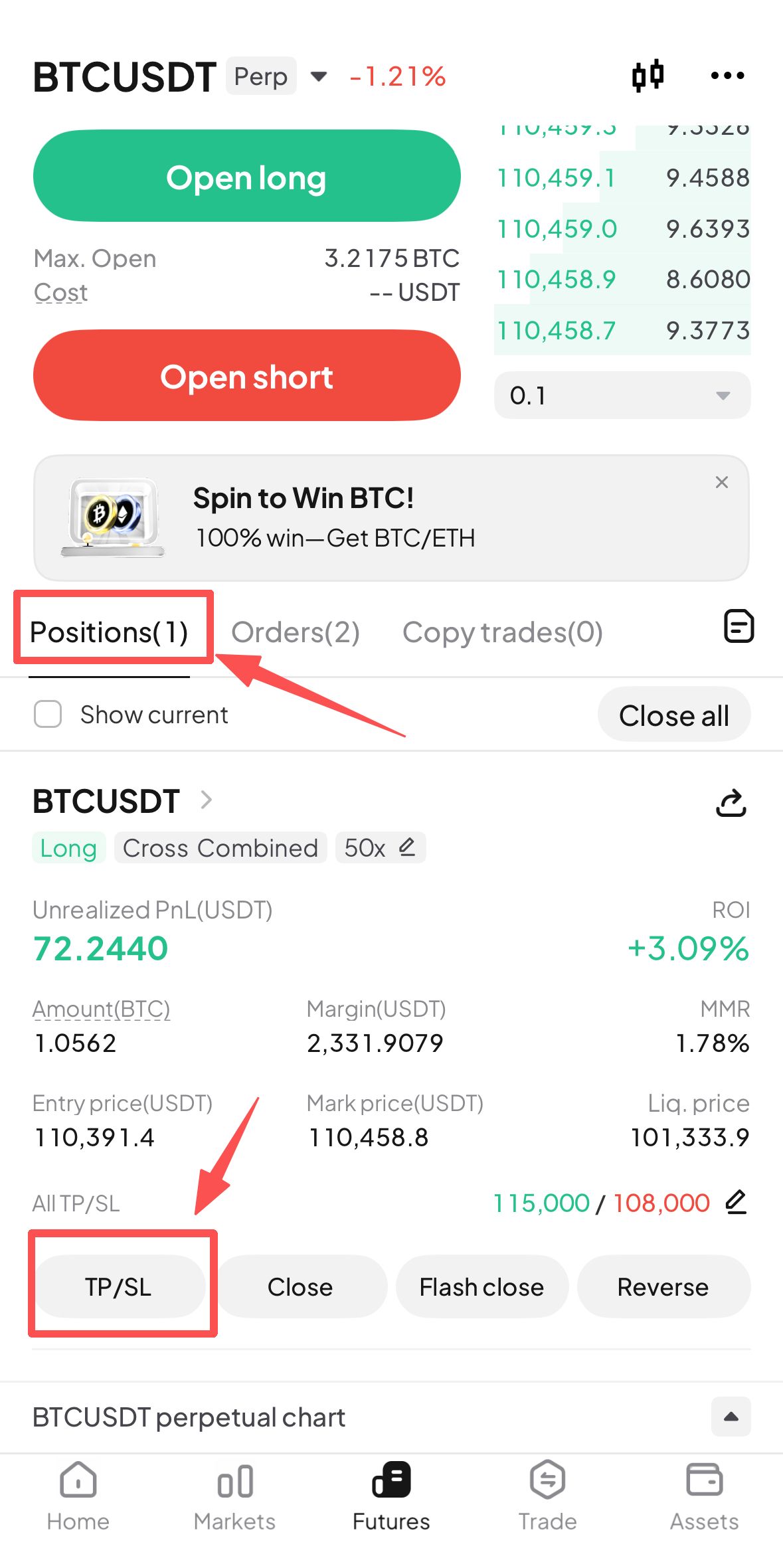
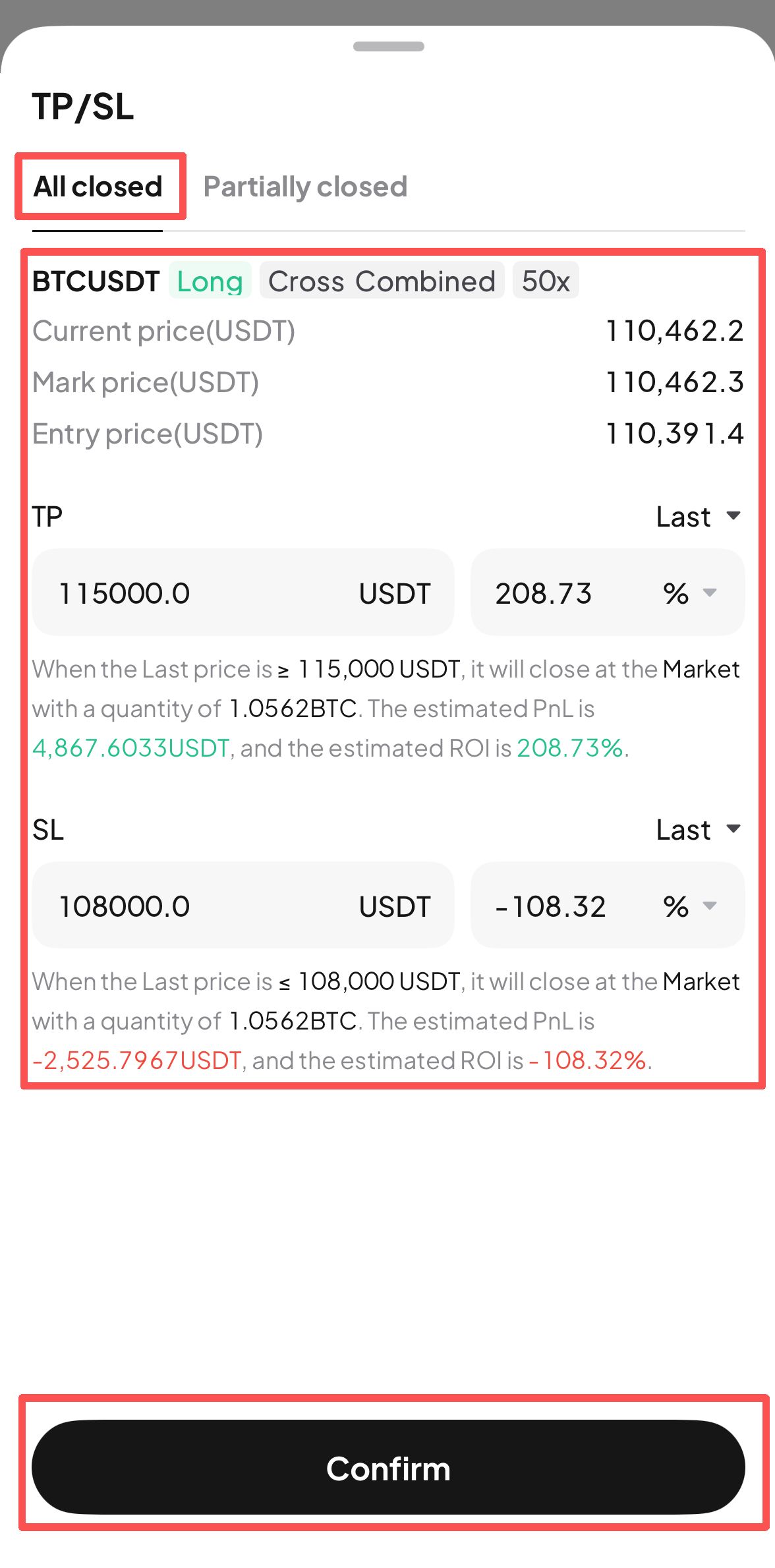
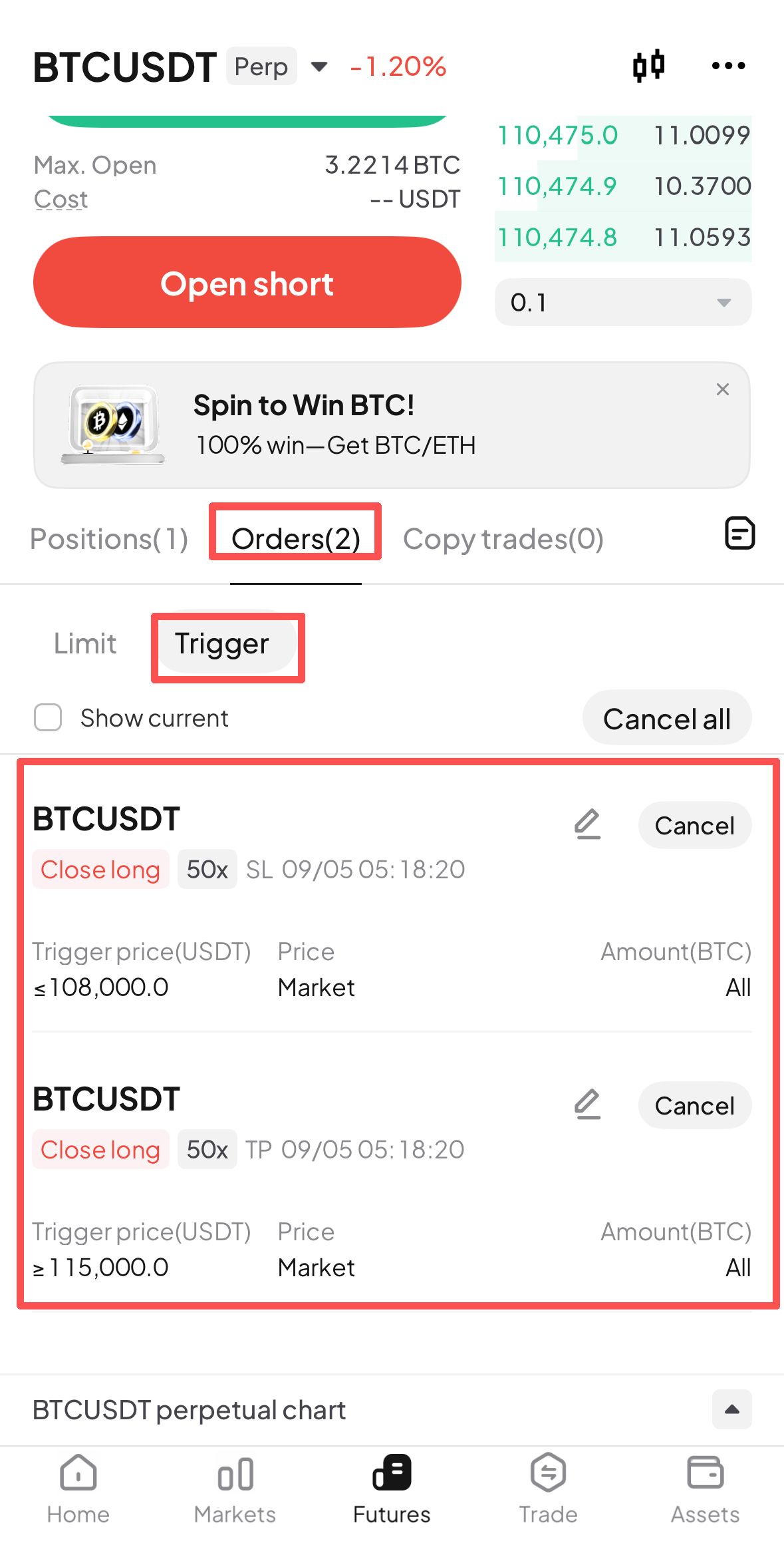
WEB:
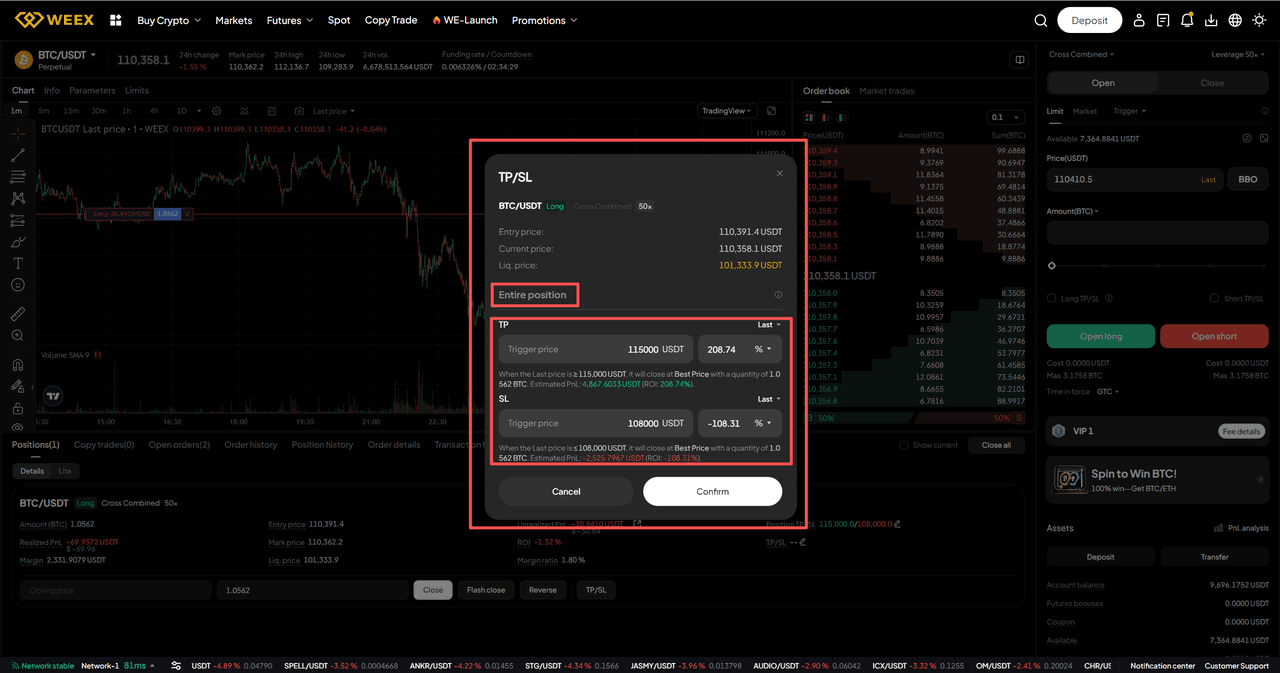
- After opening a futures trading order, users can find the "TP/SL" button in the Details section of the Positions interface.
- Click the "TP/SL" button to enter the setup interface for the entire position take profit and stop loss. Users can fill in the take profit target price or stop loss target price based on their trading strategy, and click "Confirm" once completed.
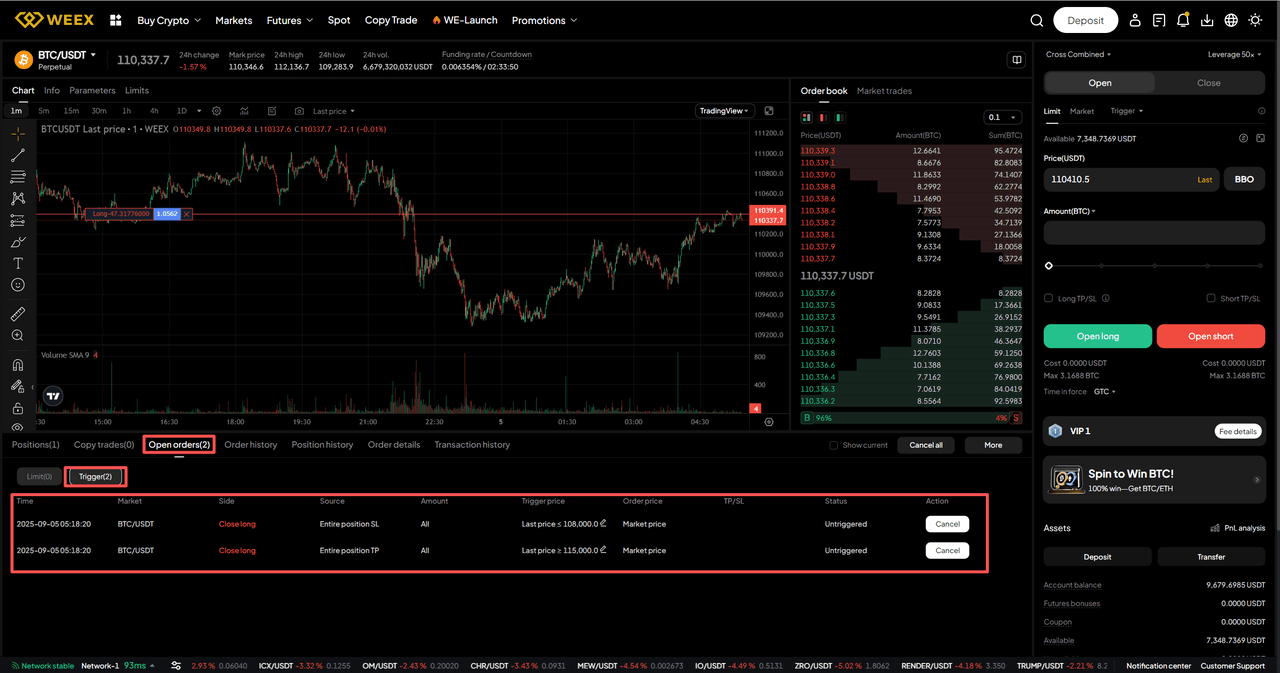
- After setting up the take profit/stop loss for the entire position, users can find the corresponding take profit/stop loss orders in the Trigger section of the Open orders interface. When the asset price reaches the specified order price, the system will automatically execute a market order to close the entire position.
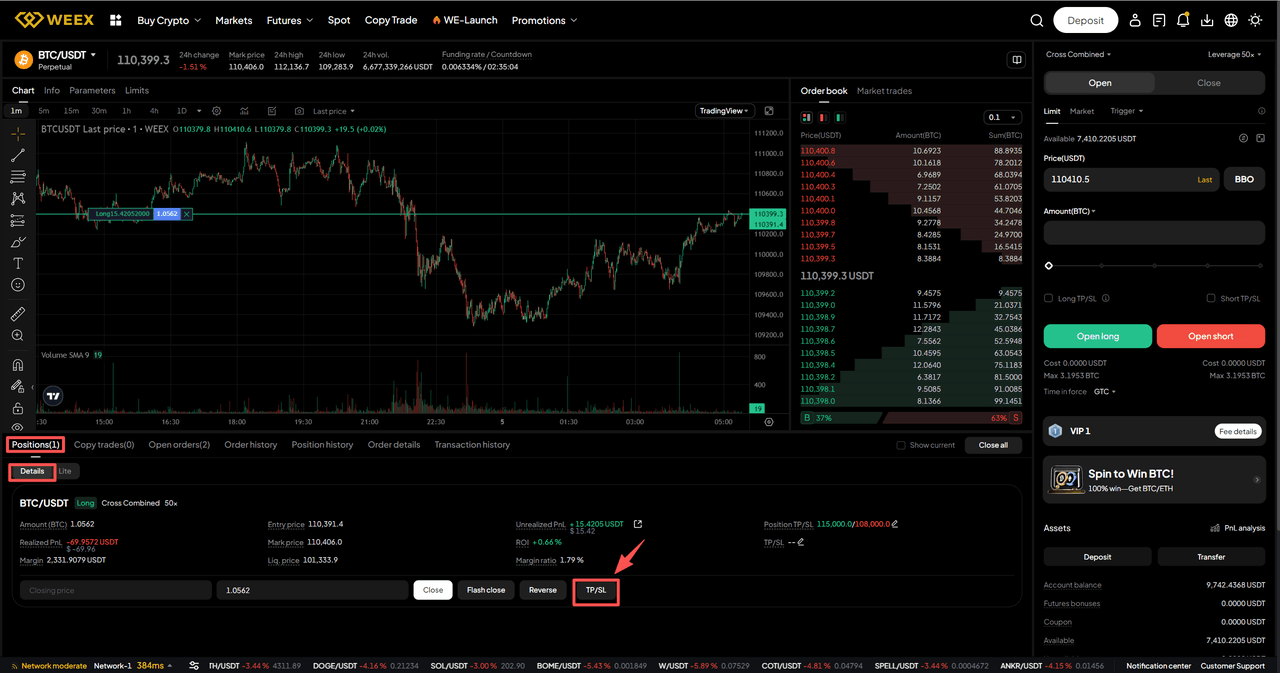
Q&A
1. Do I have to set both take‑profit and stop‑loss?
No. You can set only a stop‑loss (cap worst loss), only a take‑profit (lock in expected gain), or both to define a fixed risk‑reward ratio.
2. Will it always fill exactly at my set price once triggered?
No guarantee. A trigger just means the condition is met; the system then sends a market close. The actual average fill can differ due to slippage, depth, and volatility.
3. Can I modify or cancel after setting it?
Yes. Open the position’s Take-Profit/Stop-Loss panel to adjust or remove. The latest submission overrides prior ones. If you’ve manually reduced part of the position, the remaining size keeps using the updated settings.
This content is provided for general informational purposes only and doesn't constitute financial, investment, legal, or tax advice. Any events, rewards, online promotions, or related information mentioned herein should not be considered a recommendation, solicitation, or invitation to purchase, sell, trade, or otherwise deal in any crypto assets. Crypto assets are highly volatile and may result in loss. The availability of WEEX services, products, and related events may vary by region. You are responsible for ensuring that your participation is in accordance with applicable local laws and regulations.
You may also like

What Is Pearl (PRL) Crypto and How Does Its Mining Work?
Stake ETH or Hold USDT on WEEX? The Price Move That Decides It
How Transparent Is a Crypto Exchange? Checking Proof of Reserves and Protection Funds

What Is Leverage Trading in Crypto? A Beginner’s Guide With Simple Examples
Is RSI a Good Indicator? How the Relative Strength Index Works, Its Limits and How Traders Use It
CRWV Stock Swings From -9.5% to +5.9%: Why CoreWeave Reversed
Walrus (WAL) Jumps 30%: Sui Storage Token Rallies on AI Data
CoreWeave Stock Plunges 15%: Why a Bond Yield Spooked CRWV
Best Crypto Miner for Beginners: What to Check on Cost, Power, Hashprice and Profit Before You Buy
MU Stock Falls Below $1,000: Is the CXMT Threat Real or Just an Excuse to Take Profits?
Stop Limit Order: How It Works and Why It Can Fail to Fill

Best Crypto Podcasts for Beginners: A 4-Week Listening Plan

Will Bitcoin Break $87,000 This Week? CPI, Fed Speakers and ETF Outflows to Watch

Conflux (CFX) Price Jumps on China's National Blockchain Network Plan: Does the Policy Actually Name CFX?

What Is Plume (PLUME)? Why the RWA Token Stays 93% Below Its High Even After the Layer 2 Rally

Who Is David Ellison? Skydance’s Strategy, Media Consolidation, and the Investment Case
Crypto Funding Rate: Who Pays, What It Costs, What It Signals
PEP Earnings: PepsiCo Beats Q3, Cuts Guidance on North America
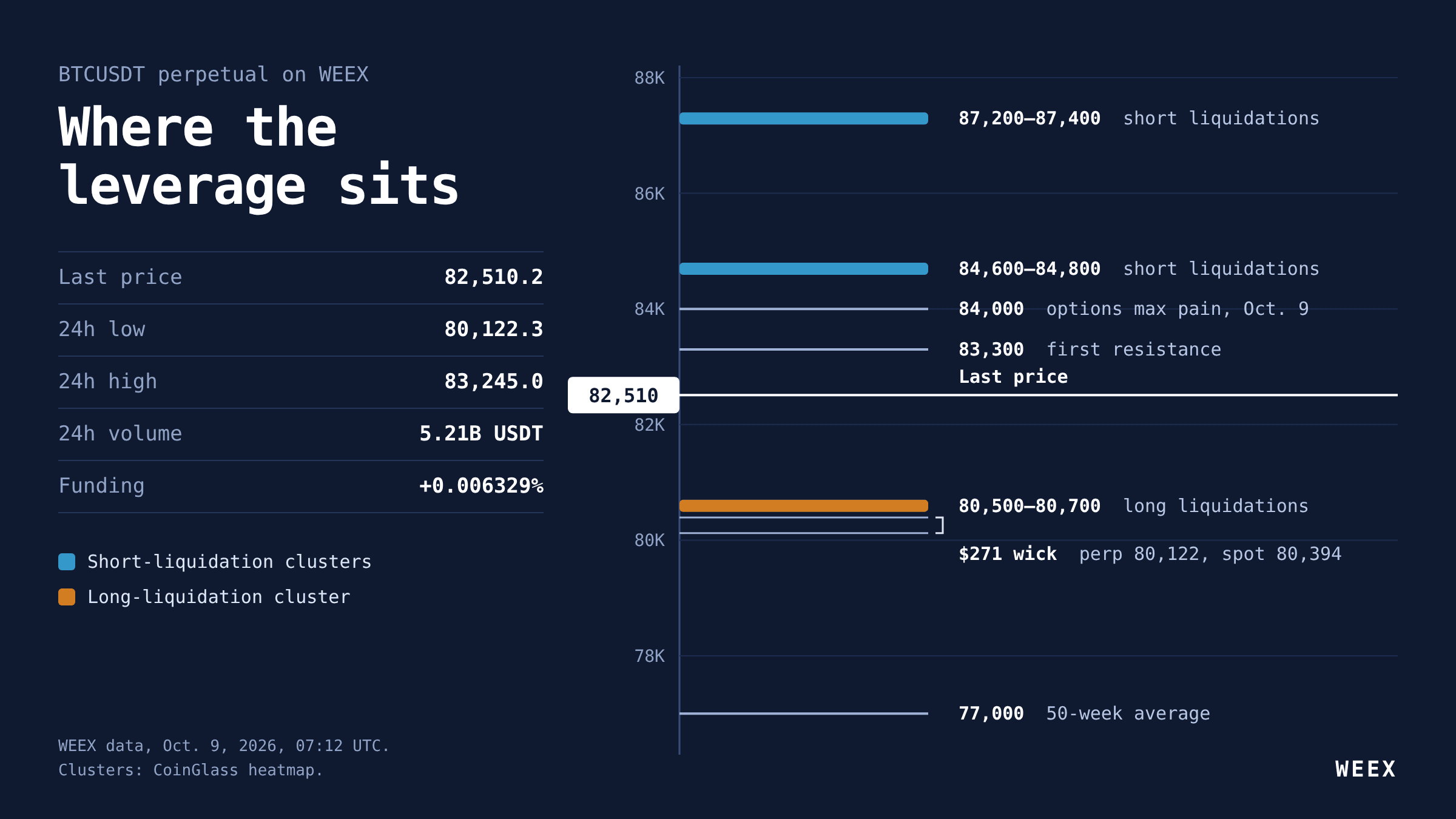
BTC Futures Analysis: $80K Held, but Longs Are Still Paying Up
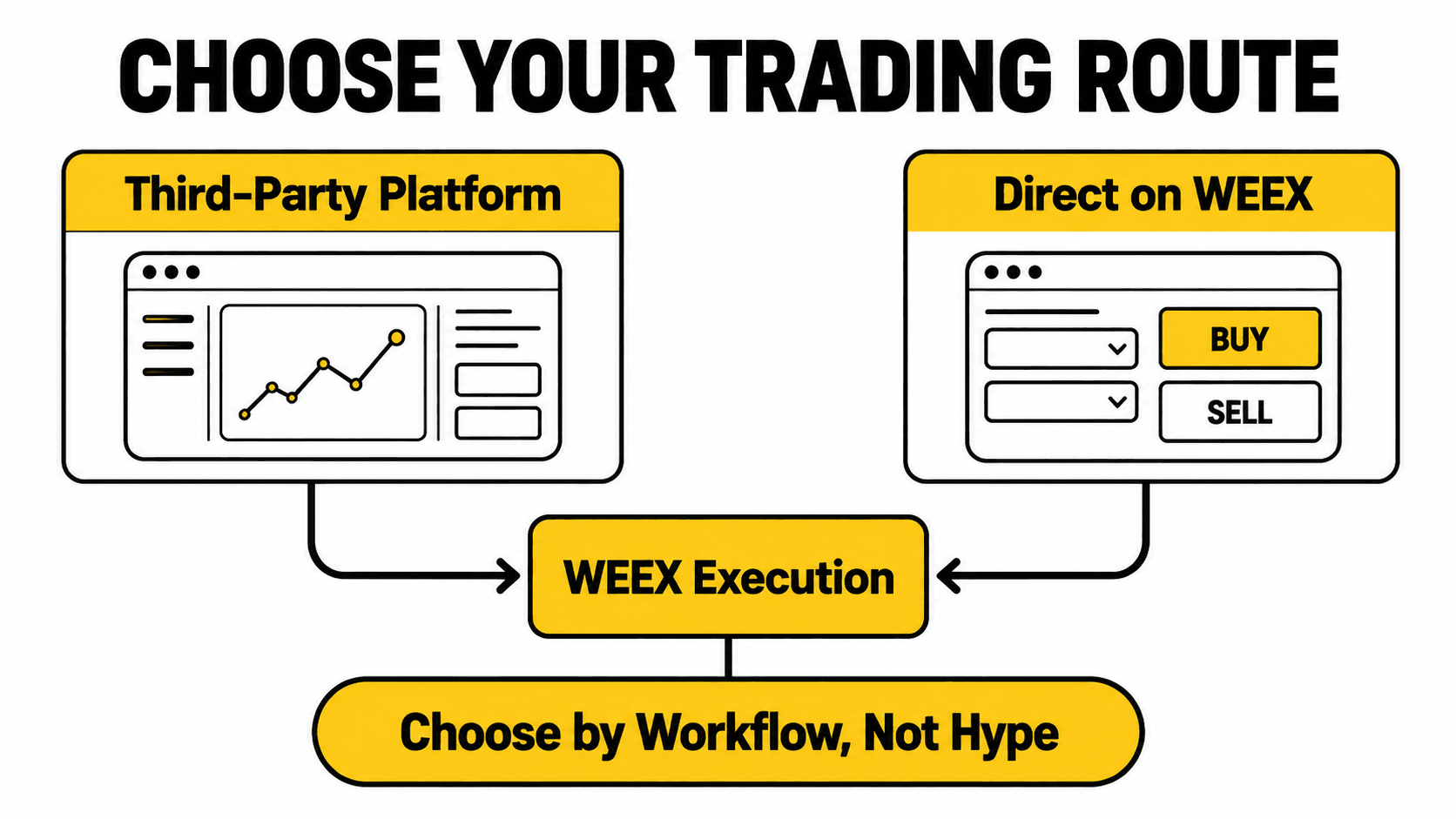
Third-Party Trading Platforms vs Direct WEEX Trading: Fees, Liquidity, Security, and Control
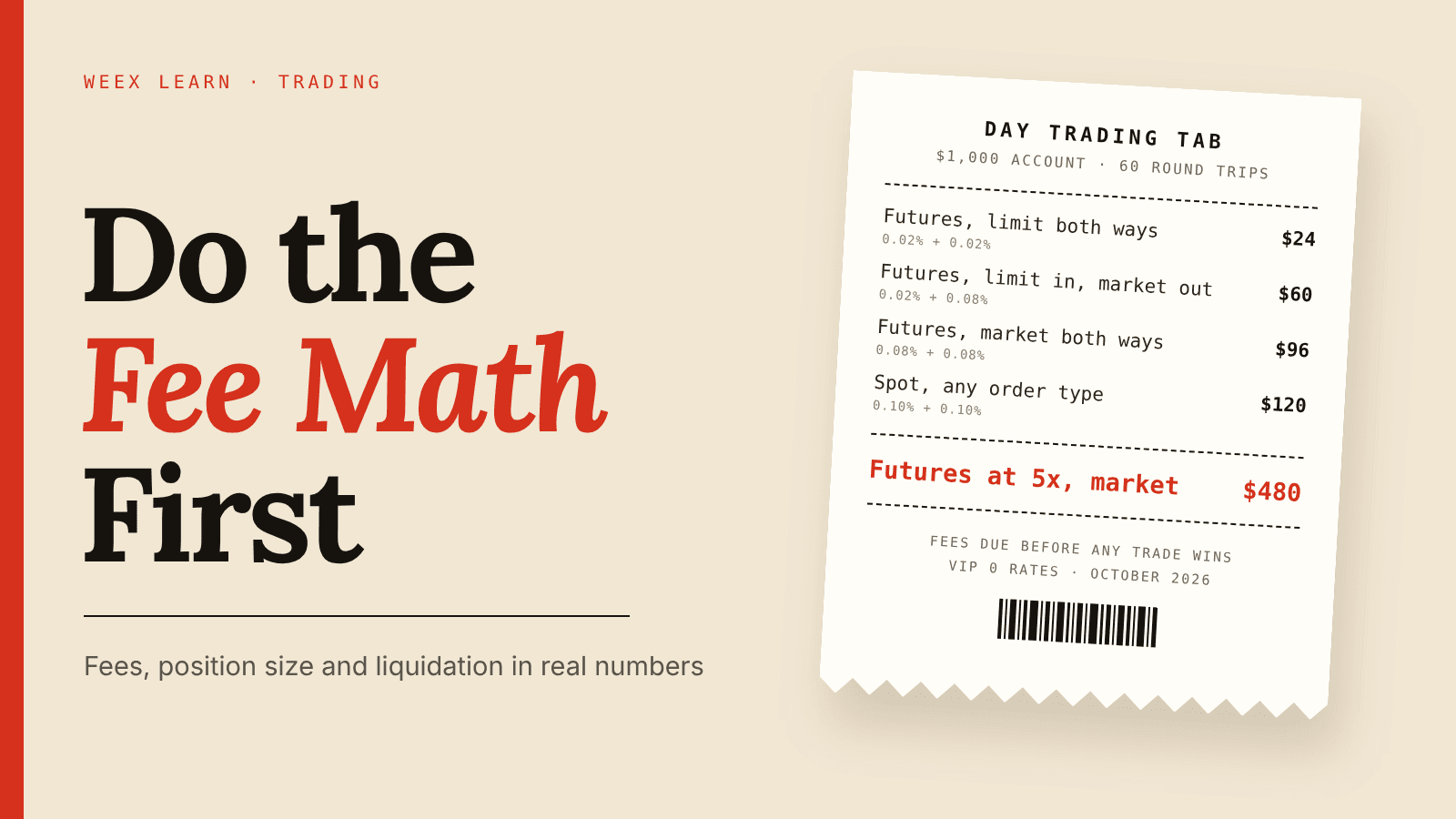
How to Day Trade Crypto for Beginners: Do the Fee Math First
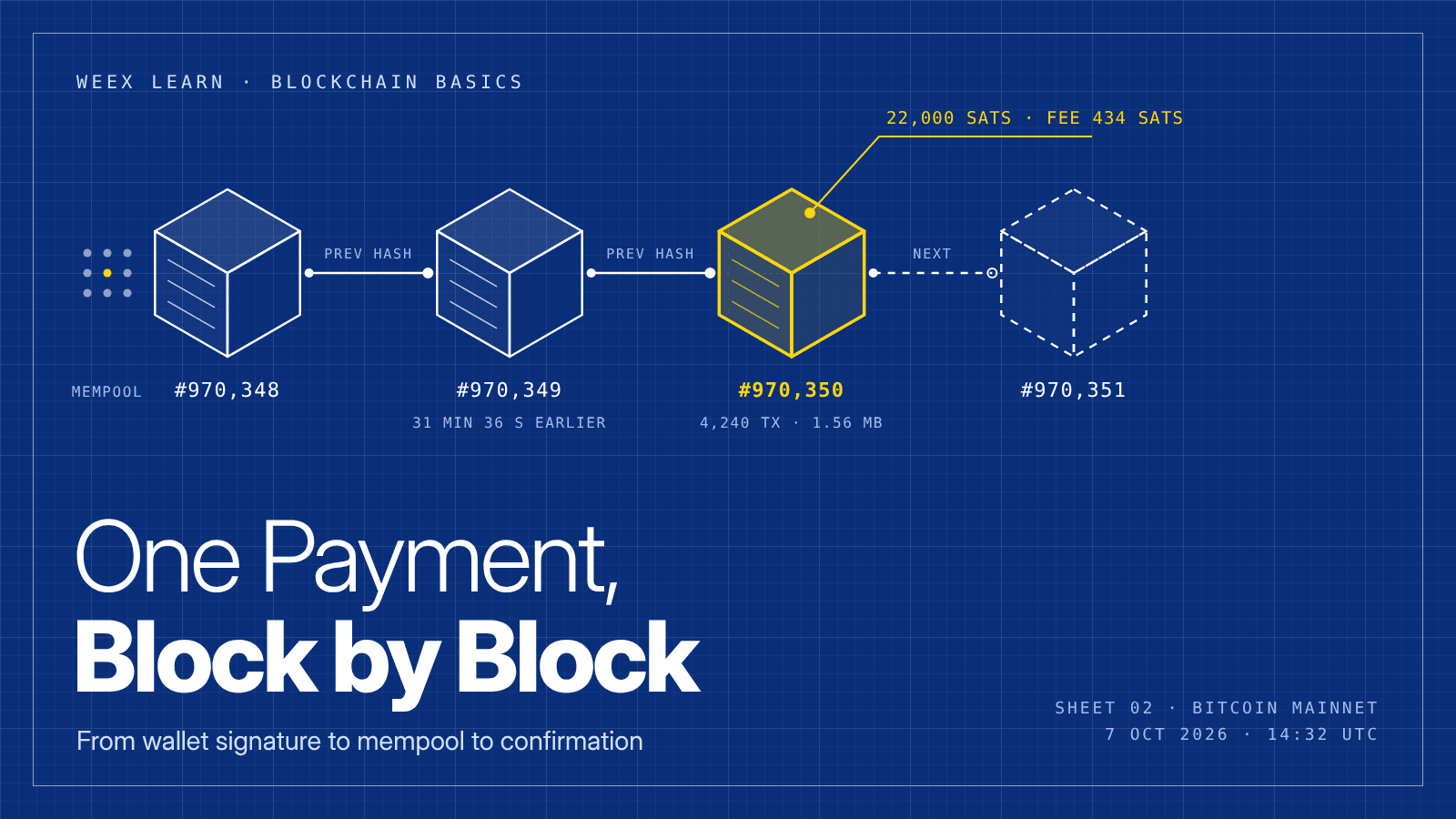
What Is Blockchain and How Does It Work? One Real Payment Traced
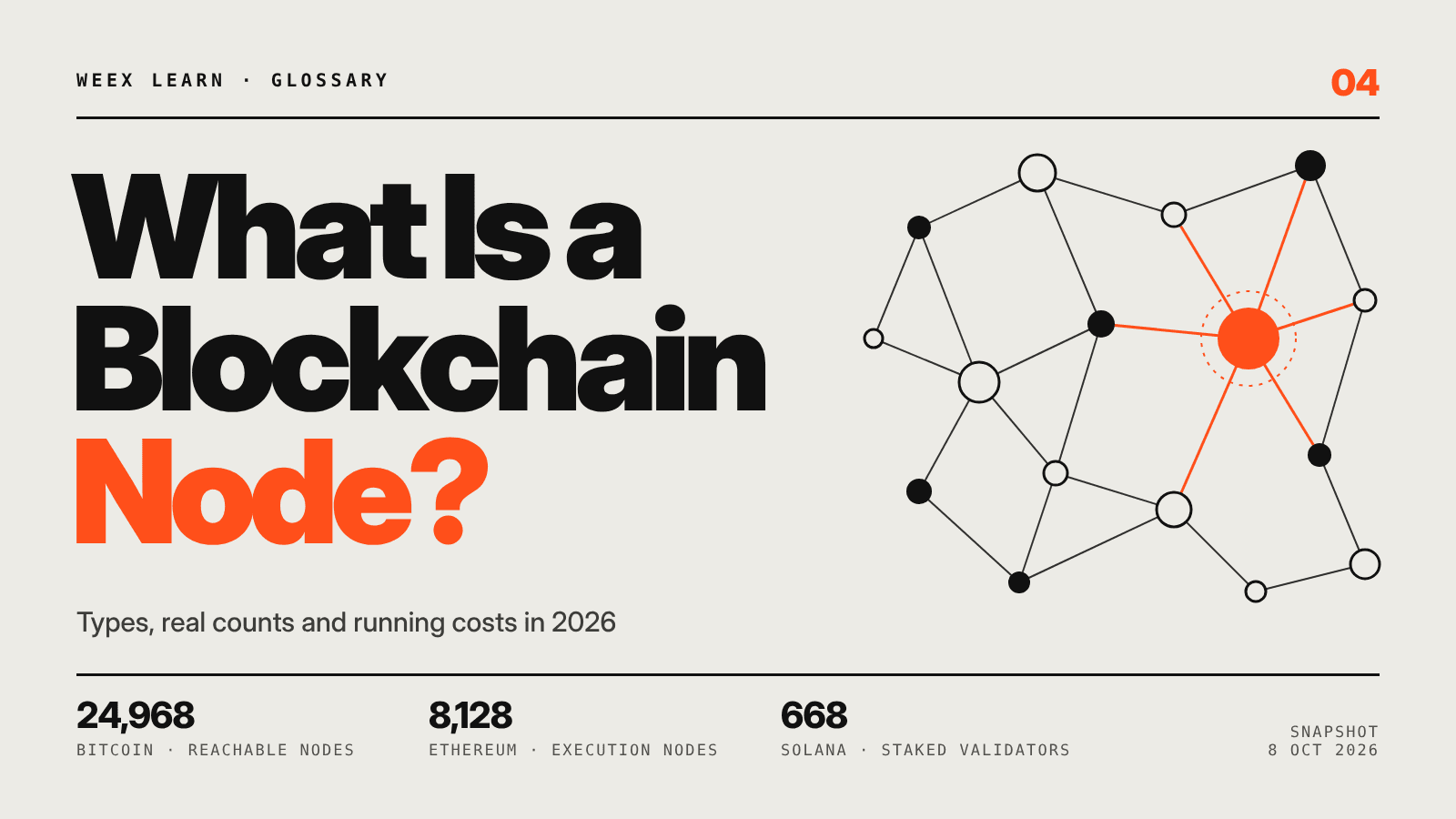
What Is a Blockchain Node? Types, 2026 Counts, and Real Costs

TSMC Stock Outlook Ahead of Q3 Earnings: Can AI Demand Push Shares Higher?
Taiwan Stock Market Nears 50,000: Can the TAIEX Break the Milestone After the Holiday?
How to Buy USDT in Thailand: Payment Methods, Fees and Transfer Checks
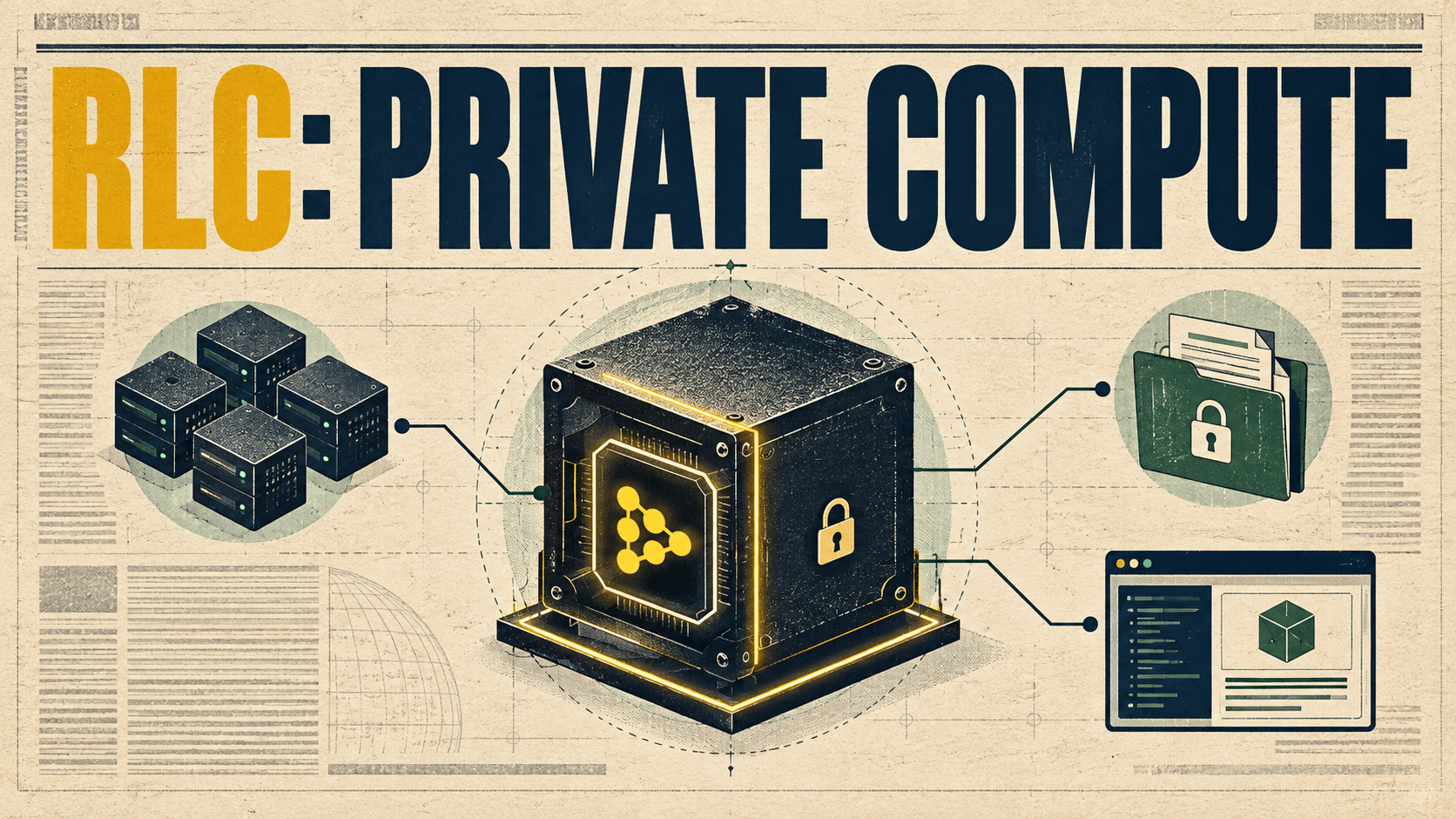
What Is RLC Crypto? How iExec (RLC) Powers Confidential Computing
Best Crypto Trading Strategies for Beginners: What to Know Before You Trade
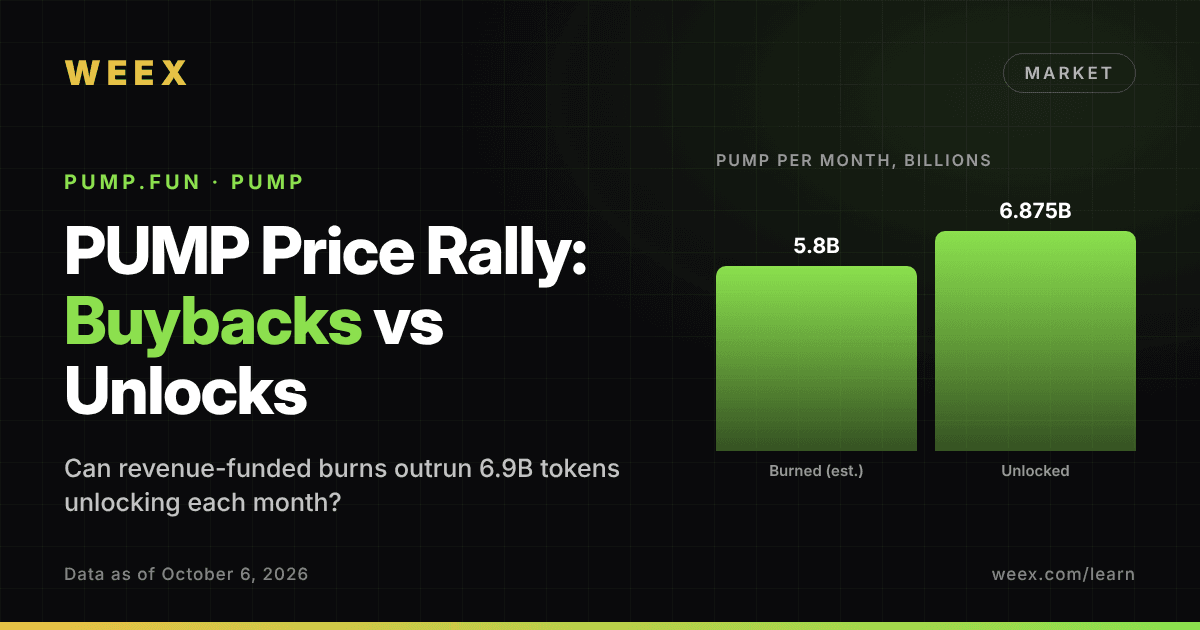
PUMP Price Rally: Can Pump.fun Buybacks Outrun Monthly Unlocks?
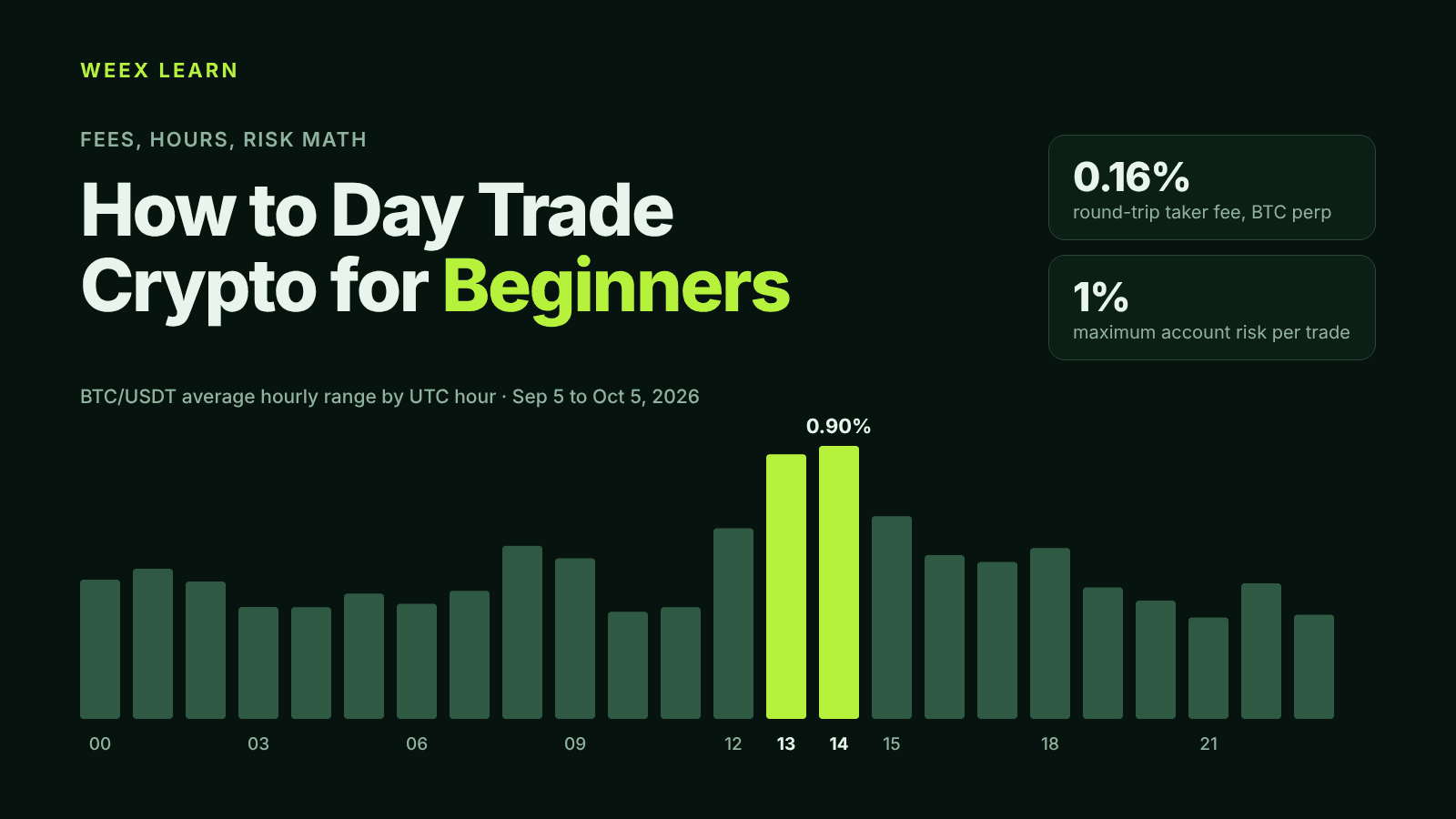
How to Day Trade Crypto for Beginners: Fees, Hours, Risk Math
What Is Pearl (PRL) Crypto and How Does Its Mining Work?
Stake ETH or Hold USDT on WEEX? The Price Move That Decides It
How Transparent Is a Crypto Exchange? Checking Proof of Reserves and Protection Funds
What Is Leverage Trading in Crypto? A Beginner’s Guide With Simple Examples
Is RSI a Good Indicator? How the Relative Strength Index Works, Its Limits and How Traders Use It
CRWV Stock Swings From -9.5% to +5.9%: Why CoreWeave Reversed





